romset zip on the PC → a 3DS install file (CIA) · converter + emulator engine
Neo Geo games,
on the 3DS HOME menu.
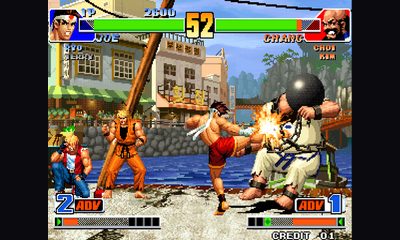
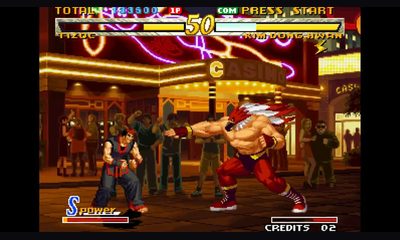
Drop the romset zip of a game you own and it becomes a 3DS install file (CIA) with its own HOME menu icon. It runs at 60 fps even on an Old 3DS.
242 / 282romsets convert 25played on hardware 60fpson an Old 3DSRuns in the browser · nothing to install · GPL-2.0
Set-up in three steps
Building an install file takes a minute or two on the PC. After that you only need the 3DS.
-
1
Get the romset ready
Keep your game's MAME romset and the BIOS together, names unchanged.
-
2
Build the CIA (or launcher files)
One game takes a minute or two, mostly compressing graphics. Drop several zips to convert them one after another, or build launcher files (.neo3ds) instead.
-
3
Install on the 3DS (or copy to the launcher)
A CIA shows up on the HOME menu. Launcher files go on the SD card at /neo3ds/games/ and start from the launcher app.
Game CIA
One install file per game, with its own HOME menu icon.
- HOME icon and banner per game
- Key config, saves and quick saves per game
- Install only the games you want
Recommended · the way to go for several games
Launcher: every game in one app
Instead of a CIA per game, install the launcher once and pick games from the list of files on the SD card. Only one HOME menu icon is added.
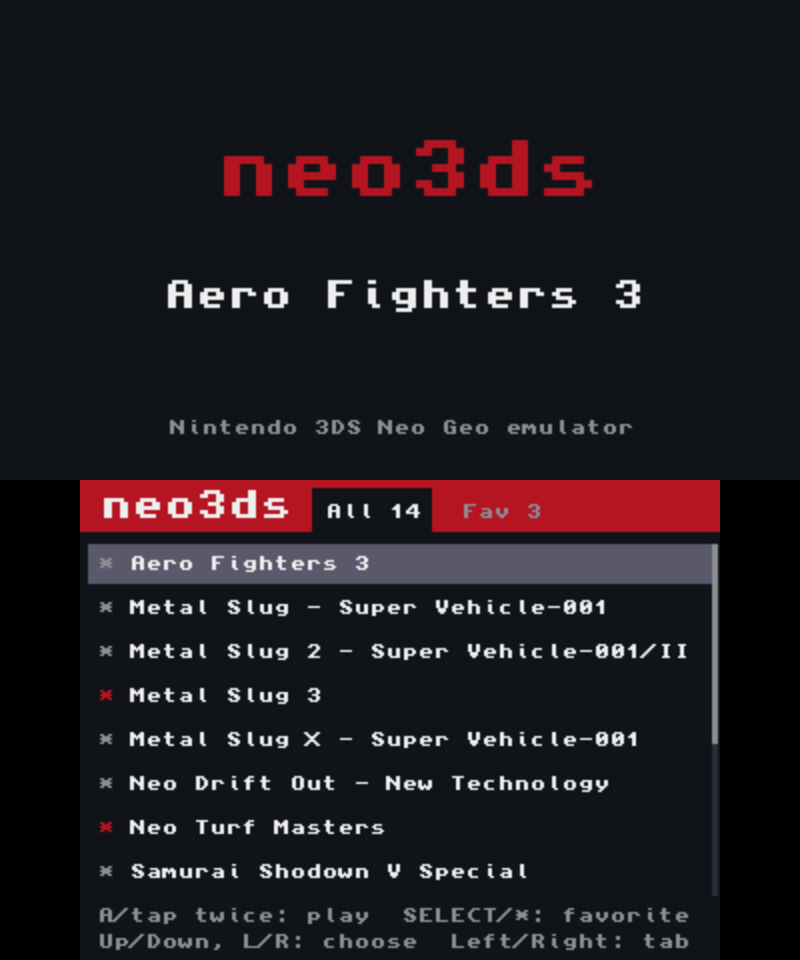
- Install onceInstall the launcher CIA with FBI just once. Adding a game later is copying its .neo3ds file to /neo3ds/games/.
- Shared savesThe same game shares key config, backup RAM and quick saves between its CIA and launcher copies.
- Back in a tapIn a game, tap Game list on the bottom screen twice to return to the list.
What you need
- A 3DS Old 3DS / 2DS / New 3DS / New 2DS XL, with custom firmware (Luma3DS) and an installer (FBI)
- A web browser Chrome, Edge, Firefox, Safari · roms stay inside the browser
- Romsets you own MAME romset zip + neogeo.zip (not included here)
- The sound file
/3ds/dspfirm.cdcon the SD card
Only MAME romset zips convert.
A romset whose names or chip CRCs differ from MAME's does not convert.
Game compatibility
The converter knows 282 romsets and builds 242 of them. 25 of those were played on an Old 3DS.
All 282 romsets — status per game
Browse by series
Notes
- When a romset is tight for memory, the converter warns you first.
- Some decryption is implemented but never played, because we lack the ROMs.
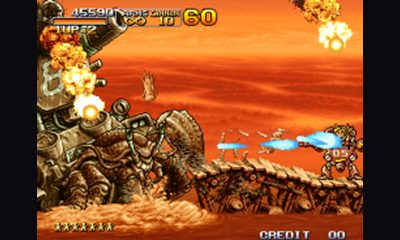
- Metal Slug 2, X and 3 slow down in scenes with many enemies and explosions on the original arcade board too. neo3ds drops frames in exactly those scenes.
- Games we could not check because we have no ROM — CMC42: Sengoku 3, Zupapa, Strikers 1945 Plus, Prehistoric Isle 2, Nightmare in the Dark, Ganryu, Bang Bead · CMC50: KOF2001 · PCM2: Metal Slug 4 Plus, Rage of the Dragons, Pochi and Nyaa
- KOF '98 does not convert: the MVS version has a protection chip. When the home set (kof98h) is in the zip it is picked automatically.
Questions
Where do I get the ROMs?
Nowhere. You need romsets for games you own, and a built CIA contains ROM data, so never share it.
Is it really 60 fps on an Old 3DS?
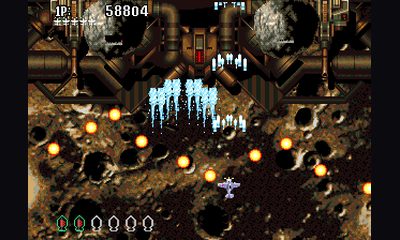
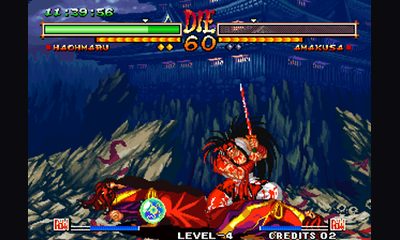
KOF '95-'99, 2000, 2002, Metal Slug 1, X, 3 and 5, Neo Turf Masters, Neo Drift Out, SVC Chaos and Samurai Shodown V Special ran at full speed on hardware. Metal Slug 2, X and 3 slow down exactly where the original board did; Aero Fighters 3 is playable.
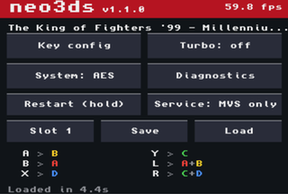
Measured 16.7ms per frame · 59.8fps · KOF '98 64.0 → 20.3MB · Technical notes
No sound.
The SD card needs /3ds/dspfirm.cdc; a tool like DSP1 creates it once.
What about a New 3DS?
The CIA asks for 804MHz and the L2 cache, which leaves more headroom (not confirmed on hardware yet).
Can I use it commercially?
No: the included CPU cores (Cyclone 68000, DrZ80) allow non-commercial use only.
Report a problem
Leave a comment or a problem. It is filed anonymously as a public GitHub issue, no account needed.
Console, CFW, region and install method are optional; do not include serial numbers or SD card paths.
The Diagnostics screen shows FPS and memory figures worth quoting. If you used a quick save, add the slot number and the version that wrote it.
Legal
No ROMs, BIOS or game data are included here.
Convert only games you own, and never distribute a CIA you build.
neo3ds is a personal fan project, unaffiliated with SNK or Nintendo.
NEOGEO is a trademark of SNK CORPORATION; Nintendo 3DS of Nintendo.
Credits and third-party code are in third-party notices; the source is GPL-2.0.